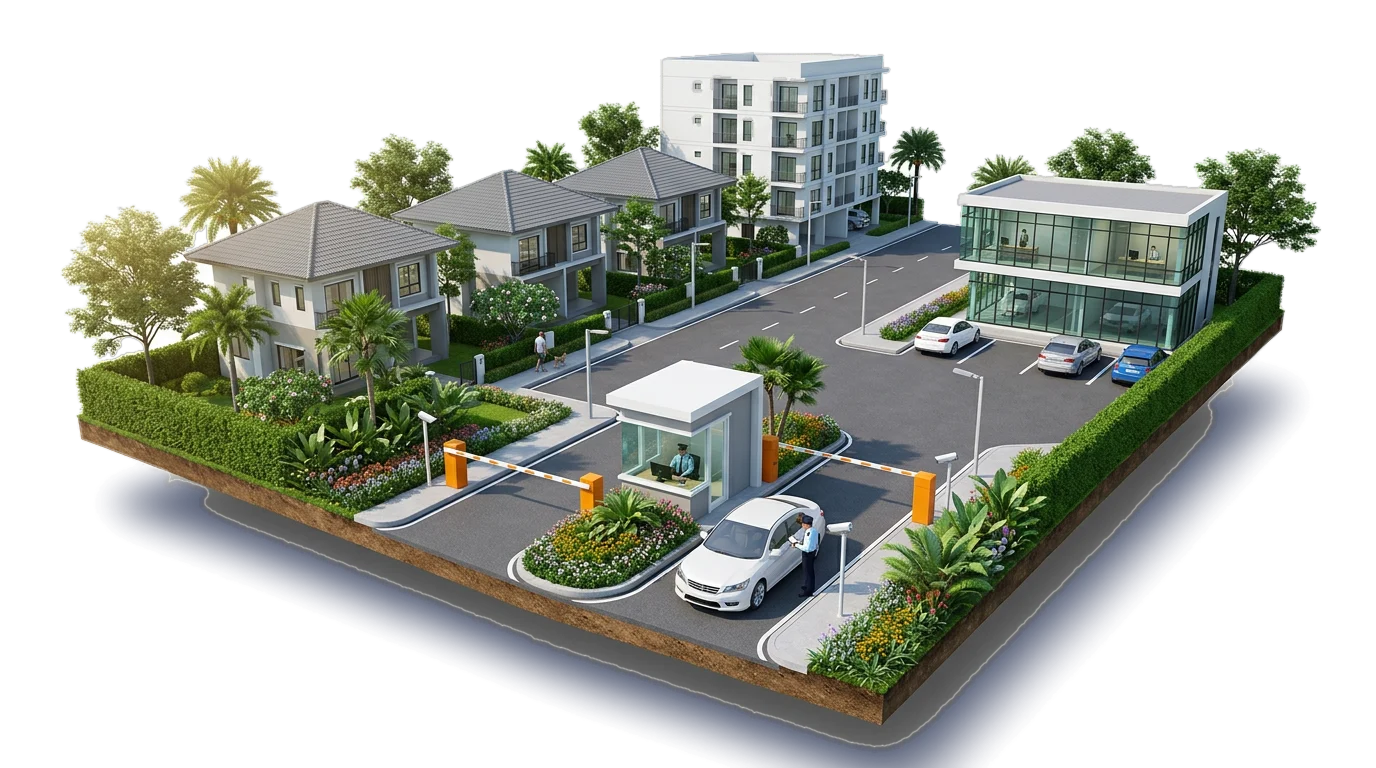
Visitor management with QR self-registration, and no ID cards kept at the gate

Visitors register on their own phone instead of leaving an ID card at the gate. Scan a QR, wait for approval, drive in by plate.

Reachable 24 hours by phone and LINE - free site survey

Open it on your phone and register like a real visitor. The demo uses sample data.

GatePass member app - registering a visitor, calling a taxi or a guard, and the parking quota

Real installation work by our team

King Mongkut's Institute of Technology Ladkrabang (KMITL)

Campus access control: cameras and license plate cameras at the gate, and a visitor and vehicle management system. Equipment installed on site alongside the software work.

See the full project
  • Two gate lanes with barrier arms and lane markings
  • A barrier and camera post at a gate lane with a car approaching
  • The system Live View screen showing several gate camera feeds

What GatePass VMS is and how it works

GatePass VMS is a visitor management system that lets visitors register on their own phone instead of leaving an ID card at the gate. Visitors who arrive by car scan a QR code, enter their name, company and plate, say who they are visiting and wait for site staff to approve. They see the result on their phone and drive in by the plate they registered, whether they are visiting a home on an estate or in a condo, or a tenant company in a building. At estate gates, guards can also register guests on a handheld, photographing the ID card and handing it straight back.

Every request stays on record for the estate or building office to look up later, and cars on the site's blacklist are stopped at the gate. VMS is part of GatePass and works for estates, condos and office buildings.

What the classic ID card swap asks of your gate

In Thailand, visitors are usually asked to hand over their national ID card at the gate in exchange for a visitor badge. It is familiar, but it gives the guardhouse extra work every day.

  • Holding other people's ID cards all day, and giving each one back to the right person.
  • An ID card carries far more personal data than the gate needs, so many sites are rethinking the practice under Thailand's PDPA.
  • Finding out who came in and when means paging through a logbook.
  • Guards phone residents or tenant companies one by one to check who is expecting whom.
  • When people arrive together, the queue at the gate or front desk grows.

How QR visitor registration works

For visitors who arrive by car, whether they are visiting a home on an estate or in a condo, or a tenant company in a building:

  1. Scan the QR codeThe registration page opens in the browser, with no app to install.
  2. Fill in your detailsName, company, plate, province and vehicle type, and say who you are visiting.
  3. Wait for approvalSite staff approve the request in the back office.
  4. See the resultOnce approved, the result shows on the phone straight away, and you drive in by the plate you registered.
  5. Kept for laterEvery request stays in the back office to look up later.

Portable visitor registration: guards photograph the ID card and hand it back at the gate

Besides guests registering themselves, the guard can register a guest who drives up to the gate on one handheld.

  1. Photograph the ID cardThe car stops at the barrier. The guard enters the house number, photographs the visitor's ID card and hands it straight back.
  2. Print a QR slipThe guard picks the visitor type and the handheld prints a QR slip for the guest to keep.
  3. Confirm the guestThe resident gets an alert in the Residence app or on LINE, with a photo of the car, and confirms the guest from their phone. The estate office can confirm from the back office instead.
  4. Scan the slip on exitOn the way out, the guard scans the slip. The screen shows the entry time, time parked, confirmation status and the photo taken on entry, to compare with the car in front.
  5. Charge parkingIf the estate charges visitors for parking, the fee follows the office's own rate, paid in cash or by PromptPay QR on the handheld.

A wet slip or torn QR? The guard types the number printed on the slip. A lost slip can be reprinted.

How the devices at the gate connect to the system

Back officeStaff approve requests, opened in a browserInternetGuest phones and the Handheld connect hereGatePass serverIn the cloud, on an on-site box, or bothHub SwitchWhere every device is wired backSELF-REGISTERQR signScan, opens on the webGuest's phoneNo app to installAT THE GATELPR cameraZKTeco, optionalExisting barrierWired through a relayHandheldPrints a QR slipLAN inside the projectOver the internet

Scroll the diagram sideways to see all of it

Installation diagram of GatePass VMS: the QR sign and the guest phone reach the system over the internet, the Handheld at the booth uses a SIM, the existing barrier is wired through a relay, and a ZKTeco plate-reading camera can be added later. The wired devices go back to the Hub Switch and on to the GatePass server, in the cloud, on an on-site box, or both. Staff approve requests from the back office.

Try the screen at each point on the demo

Pick the housing estate or the office building, then press a card or a number on the picture to open that screen on the demo. All data is test data.

All data here is test data.

Pre-registration: expected guests get through faster

  • Residents register their own guests in the Residence app, or through the LINE they already use.
  • Tenant companies or the management office add a guest ahead of time in the portal, with a plate and a time window.
  • The company is notified in its portal when a registered guest arrives, with the name and plate.
  • With plate-reading cameras in place, the barrier already knows a registered car before it arrives.
  • Company portal - coupon balance, issuing an E-Stamp by plate or ticket QR, and today's visitors.

What guards, site staff and the office see

  • At the gate (handheld): visitor cars still inside, and the ones that have overstayed.
  • Back office: new registration requests, approvals still waiting and the cars on site right now.
  • Estate office: a daily summary on LINE every morning.
  • Reports: the visitor list for any date range, exported to Excel, CSV or PDF.
  • Audit log: who did what and when. Every guard has their own account, and the site administrator decides what each role can open.
  • Access log of entry and exit rounds, with emergency opens and camera reads on their own tabs.

ID cards and the PDPA: where the system helps

A national ID card holds more personal data than the gate needs, so many Thai estates and buildings are rethinking the habit of keeping it at the gate. GatePass takes care of the gate side of the process.

  • No ID card is kept at the gate: visitors register themselves, or the guard photographs the card and hands it back.
  • Data sits in a system where you decide which role can open what, with an audit log of who did what and when.

Your site's own privacy policy should be checked with your legal adviser, or against guidance from Thailand's Personal Data Protection Committee.

Which GatePass packages include VMS

GatePass Residence - visitors come to see a home

Guests who arrive by car register themselves by QR on their phone, or the guard registers them at the gate on a handheld that prints a QR slip. Residents pre-register and confirm their guests from their phone, and visitor parking fees are covered. For housing estates, condos and apartments.

GatePass Building - visitors come to see a tenant company

Visitors who arrive by car register on their phone and wait for site staff to approve. Each company handles its own visitors in its portal. For office buildings, malls, hospitals, mixed-use projects and factories.

Every package is the same GatePass with different parts switched on. If none fits exactly, start from the closest one and switch parts on or off.

See GatePass Residence for housing estates and condos

See every GatePass package, including Pay Park for paid car parks

What you need, and what you can add

  • Visitors: their own phone, with no app to install.
  • Estate gates: if guards register guests too, start with one Handheld (a handheld that prints slips) and a SIM, no cameras yet, and add plate-reading cameras later.
  • Barriers and cameras: an existing barrier can usually be reused through a relay. ZKTeco plate-reading cameras work today, and other brands are assessed at the site survey.
  • Where it runs: in the cloud, on an on-site box, or both.

Every project starts with a site survey to confirm what can be reused and what needs adding.

Questions to ask before choosing a visitor management system

  • Does the gate still need to keep the physical ID card?
  • Do visitors have to install an app?
  • Can residents or companies register their own guests ahead of time?
  • Can you see which cars are still on site right now, and export reports?
  • How much of your existing barrier and camera setup can you keep?

How much does a visitor management system cost?

Rent starts from about 1,490 baht a month, on a 36-month contract that includes one Handheld and a SIM, but not cameras, barriers, other equipment, installation or VAT. The actual cost depends on the package and the parts you switch on. The GatePass page has an estimated monthly rent that follows the package you choose. This is an estimate; the actual price is in the quotation after the site survey.

See the estimated rent

Frequently asked questions

How is QR visitor registration different from swapping an ID card?

Nothing is kept at the gate. Visitors who arrive by car scan a QR code, register on their own phone with their name, company and plate, say who they are visiting and wait for site staff to approve. Then they drive in by the plate they registered. Every request stays on record in the back office.

Do visitors have to install an app?

No. The registration page opens in the browser when they scan the QR code, and the result appears on the phone as soon as staff approve it.

What about estate gates where guests drive in?

Either way works. Guests can scan a QR code and register on their own phone, or the guard uses one handheld: enter the house number, photograph the ID card and hand it back, then print a QR slip for the guest. The resident gets an alert in the Residence app or on LINE and can confirm the guest from their phone. On the way out, the guard scans the slip to see the entry time and entry photo.

How do we keep out cars the site has banned?

Cars on the site's blacklist are stopped at the gate, and every self-registration waits for site staff to approve it first.

Can we keep our existing barriers and cameras?

An existing barrier can usually be reused through a relay, and ZKTeco plate-reading cameras work today. Other brands and the rest of your existing equipment are assessed at the site survey.

Does the guard house need a computer?

No. At the gate you can start with one Handheld and a SIM. The guard registers guests, photographs the ID card and prints a QR slip from that device, while the estate or building office looks up requests, history and reports in the back office.

Does it work for office buildings and factories?

Yes. With the GatePass Building package, visitors who arrive by car register on their phone and wait for staff to approve. Tenant companies add guests ahead of time in the portal, with a plate and a time window, and are notified when a guest arrives. It suits office buildings, malls, hospitals, mixed-use projects and factories.

How much does GatePass VMS cost?

From about 1,490 baht a month. It depends on the package and the parts you switch on. The GatePass page shows an estimated monthly rent for the package you choose, on a 36-month contract that includes one Handheld and a SIM, but not cameras, barriers, other equipment, installation or VAT. The actual price is in the quotation after the site survey.

Not sure where your gate should start?

Tell us how visitors get in today, whether that is a logbook, an ID card swap or equipment you already have. We will tell you which package is closest, what you can keep, and confirm it at the site survey. If you would like to see it first, try the demo. It uses sample data.

Reachable 24 hours by phone and LINE - free site survey